

Import, export, fork, and versions
Reuse Agent configuration safely and understand published history.
Export an Agent
Open Agent settings and choose Export agent. mosoo downloads a .agent package containing portable Agent setup and packaged Skills.
Import a package
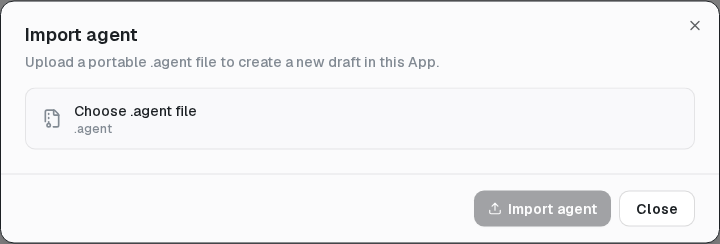
On the Agents page, choose Import package, select a .agent file, and review any reported repairs. The result is an editable draft in the active Project.
Fork an Agent
Open Agent settings and choose Fork agent. Forking creates a separate draft in the same Project and leaves the original unchanged. Use it to change a published Agent's locked type or test a different configuration.
What does not travel
A .agent package is not a Project backup or running-state snapshot. It does not contain:
- Provider or MCP credentials;
- conversations, logs, or usage history;
- live runtime state or working files.
Reconnect external services and reselect missing Environment or secret values in the destination Project.
Version history
Open the draft or live-version badge to view versions newest first. The list identifies the live version and summarizes runtime, model, changes, and publish time. New sessions use the live version; existing sessions retain the version they started with.
Version history is read-only. Complete historical configuration, side-by-side comparison, publisher identity, and restore are not available today.