

Run、ファイル、使用量
Agent の作業を運用し、artifact とモデル使用量を理解します。
Run と Thread
Runs を開いて Agent を dispatch し、作業を追跡します。Thread は All、Unread、Pinned、Failed で filter できます。Thread は非同期に返信することで再度開けます。各 Run の status と event history は保持されます。
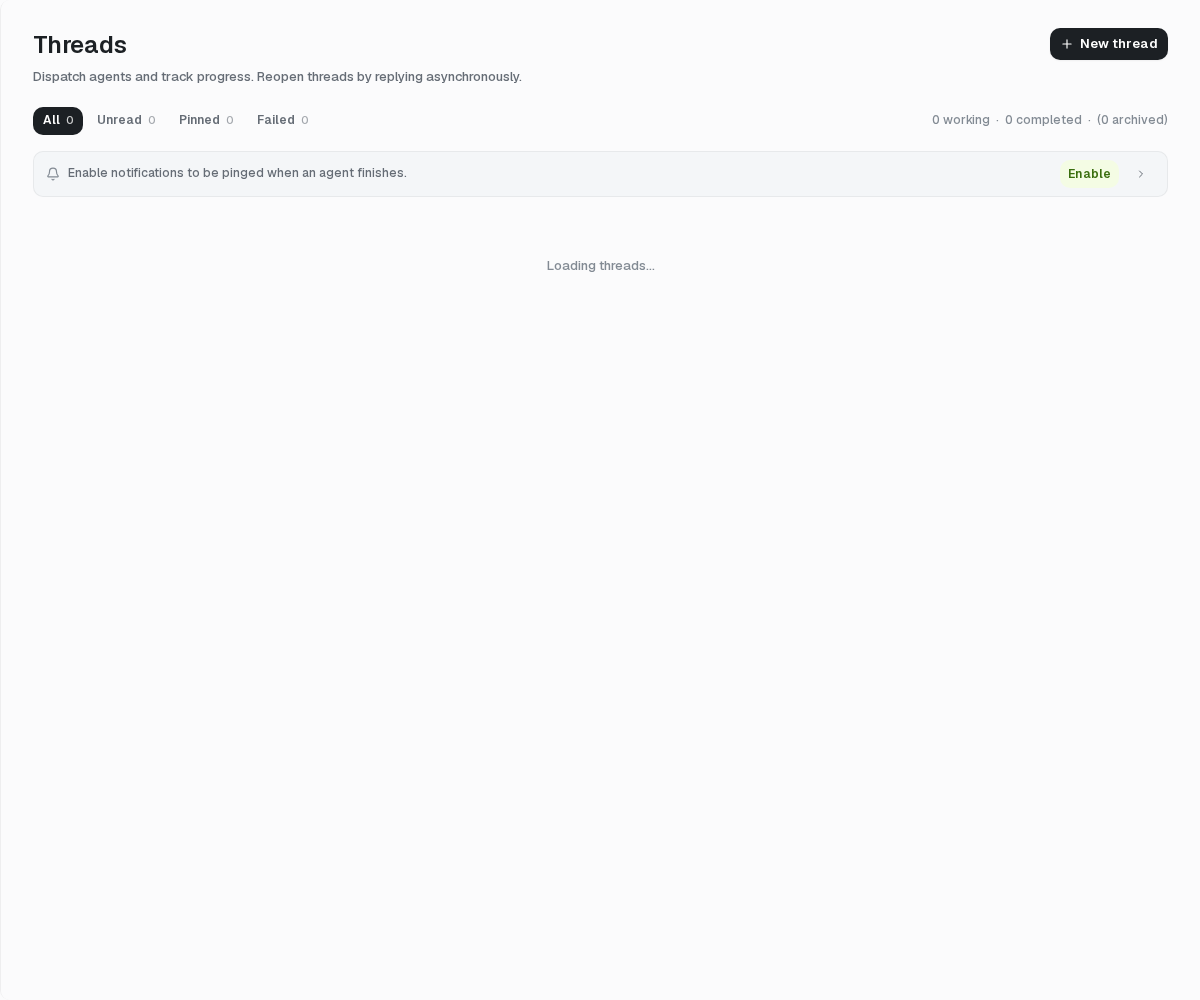
Agent の完了時に browser notification を受け取ることもできます。notification permission は browser が管理し、任意です。
ファイル
Files を開いて Project file、Thread attachment、runtime artifact を確認します。Agent、Thread、file role で filter し、項目を検索または preview できます。
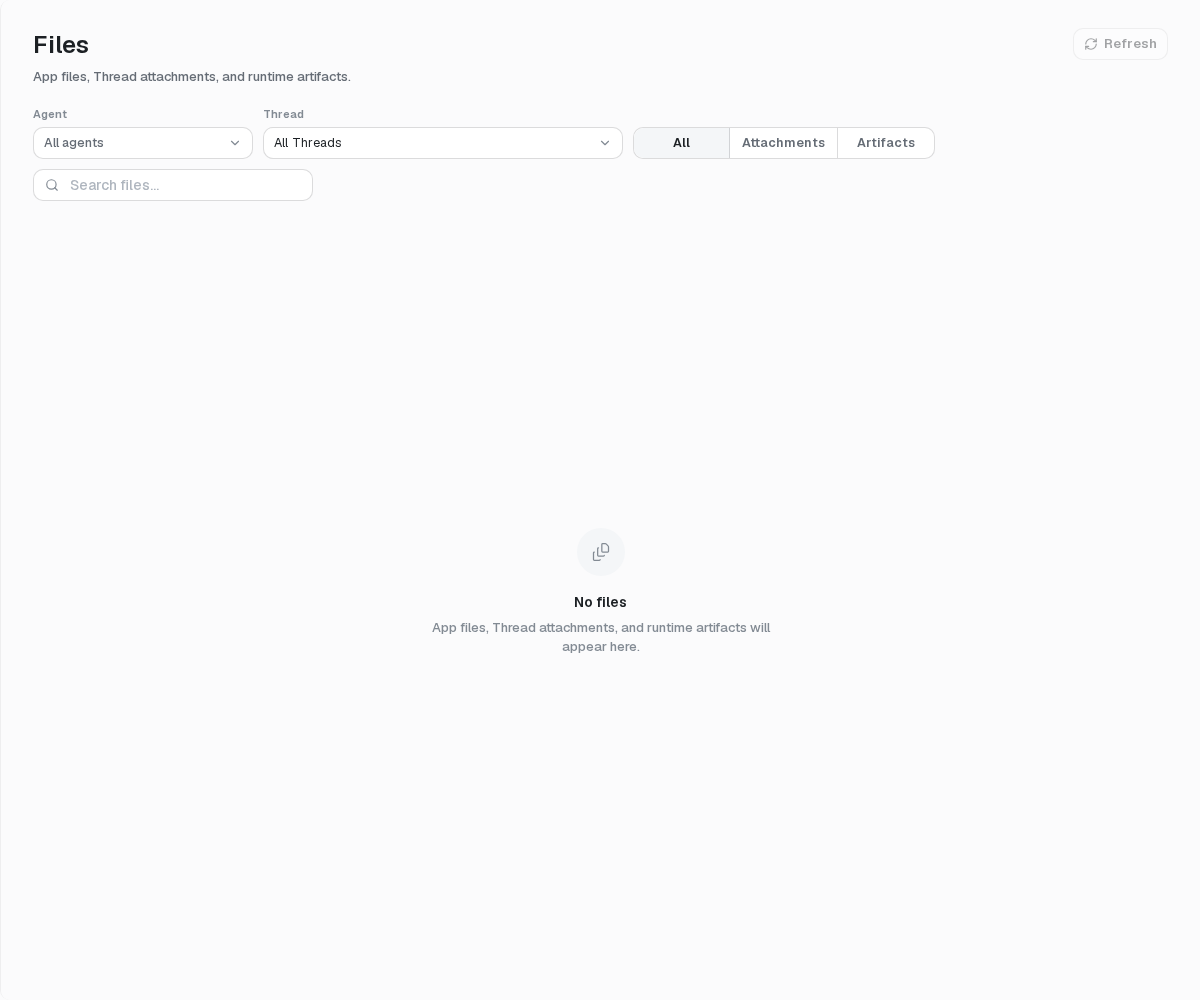
Agent を削除または変更しても、.agent export が file backup になるわけではありません。runtime file と conversation history には別々の lifecycle があります。
Project の使用量
Project Settings → Project usage を開きます。All、Production、Debug を選び、期間を 7 days、30 days、month to date、90 days から選択します。Overview、By Agent、By Model を確認するか、現在の tab を CSV で export できます。
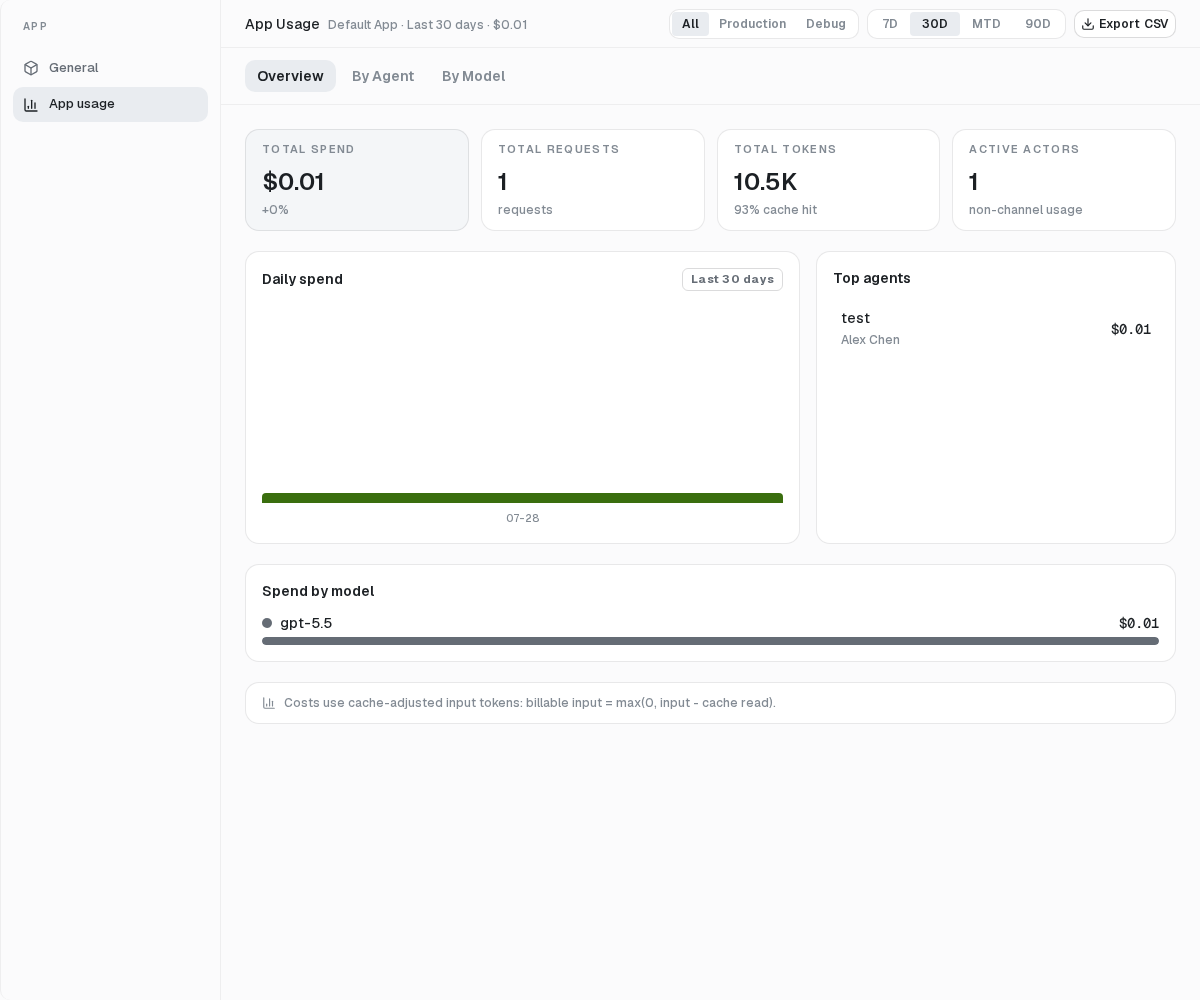
金額は記録された model call と reference price に基づく見積もりです。Provider invoice や mosoo の請求額ではなく、cost が報告されない未知の model では過少になる場合があります。
現在の単一オーナー製品では、budget、alert、invoice、payment control、user 単位の使用量は利用できません。