

运行、文件与用量
运营 Agent 工作,理解 artifacts 与模型用量。
运行与对话
打开 Runs 分发 Agent 并跟踪工作。可按 All、Unread、Pinned 或 Failed 过滤 Thread。通过后续回复可异步重新打开 Thread,其 Runs 会保留状态和 event history。
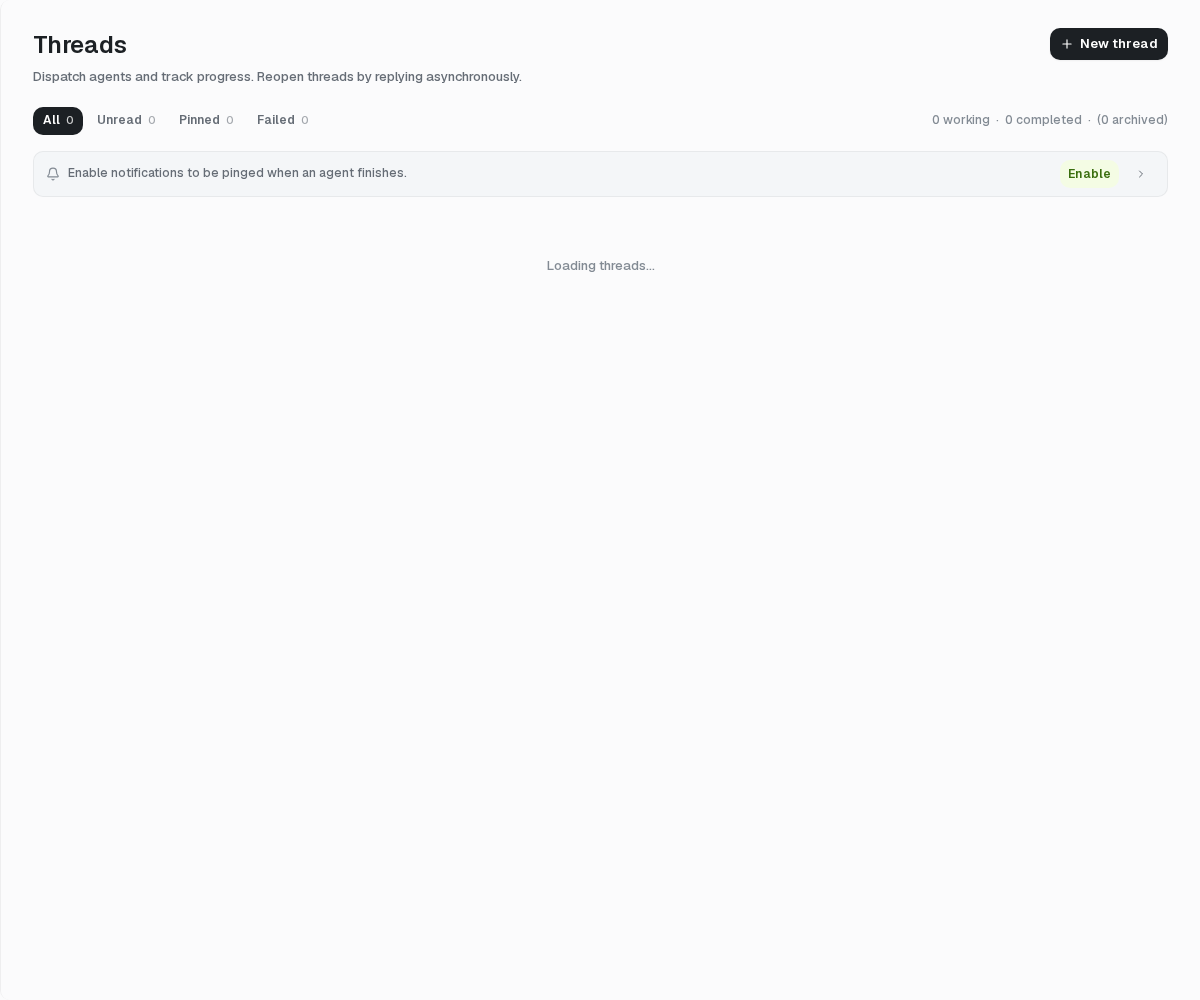
浏览器通知可在 Agent 完成时提醒你,是否授权由浏览器控制,可选开启。
文件
打开 Files 查看 Project files、Thread attachments 和 runtime artifacts。可按 Agent、Thread 或 file role 过滤,再进行搜索和 preview。
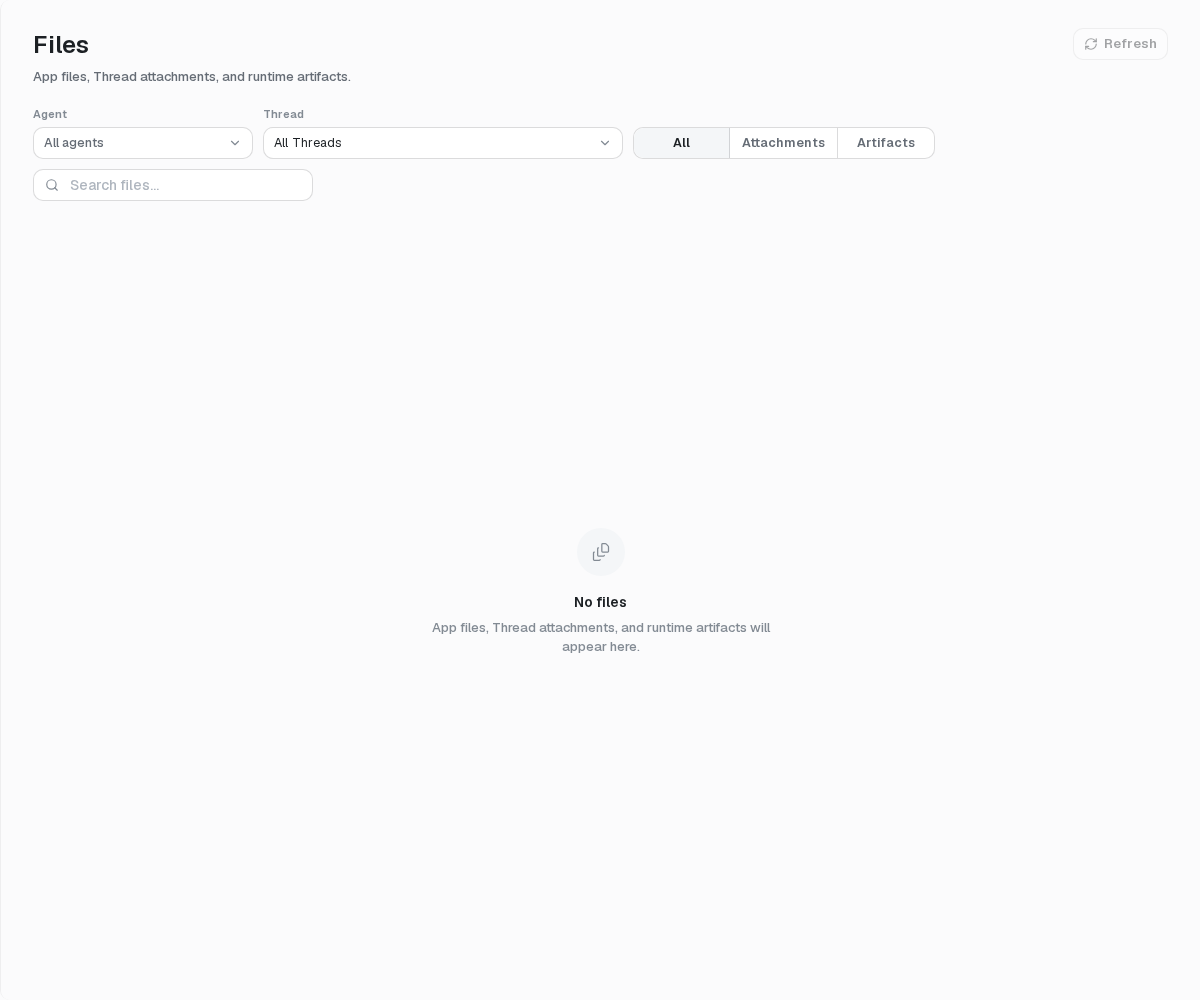
删除或修改 Agent 并不会让 .agent export 变成文件备份;runtime file 与 conversation history 有各自的生命周期。
Project 用量
打开 Project Settings → Project usage。选择 All、Production 或 Debug,再选择 7 天、30 天、当月至今或 90 天。查看 Overview、By Agent 与 By Model,或将当前 tab 导出为 CSV。
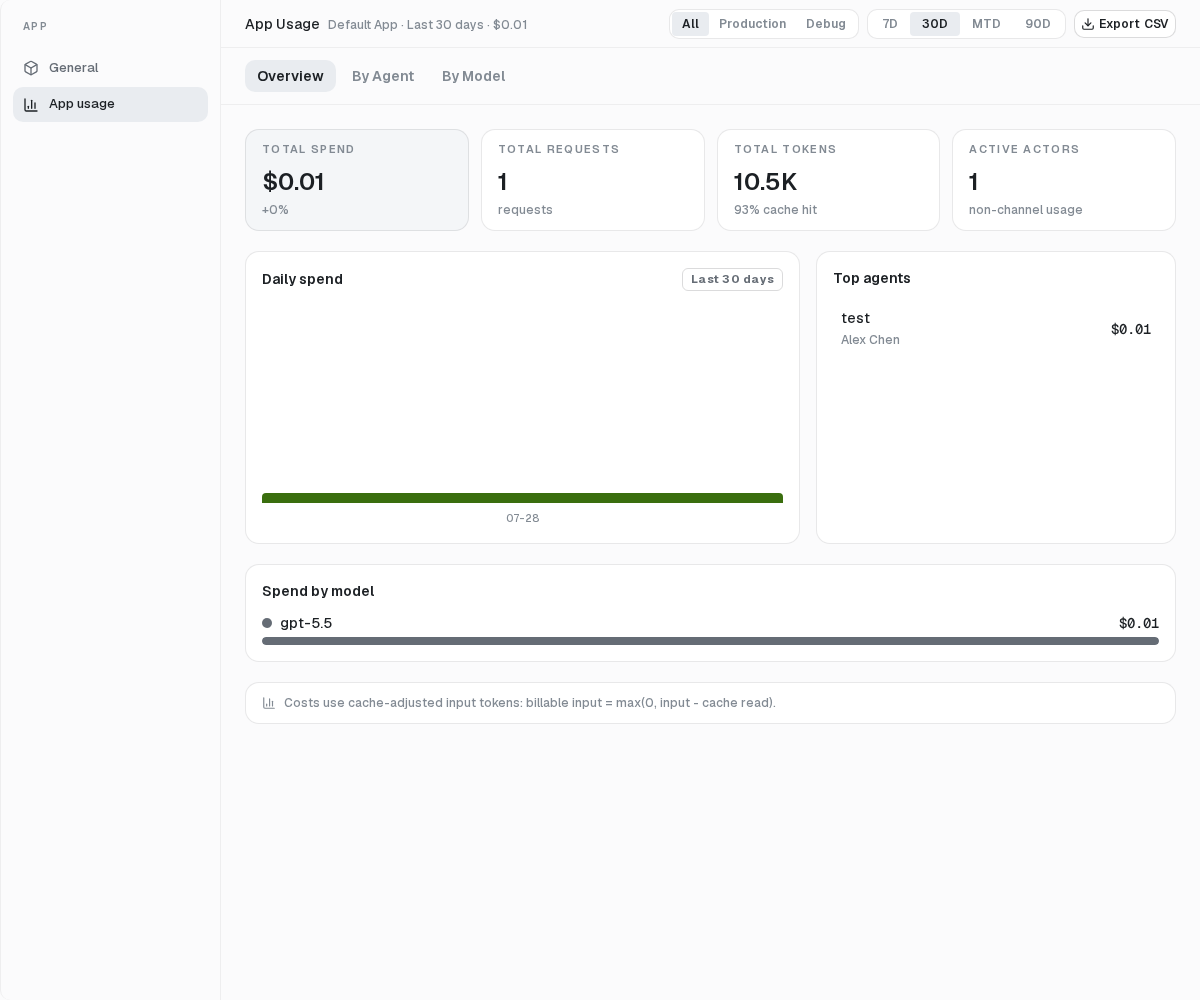
金额来自已记录 model call 与参考价格的估算,不是 Provider invoice 或 mosoo charge。未知模型若没有 reported cost,汇总可能偏低。
当前单所有者产品不提供 budget、alert、invoice、payment control 或 per-user usage。